
Revoke Mint & Freeze Authority on a Solana Token (Why It Matters)
A clear breakdown of Solana's mint and freeze authorities — what they let holders do, why buyers care, and how to revoke them safely on a new SPL token.
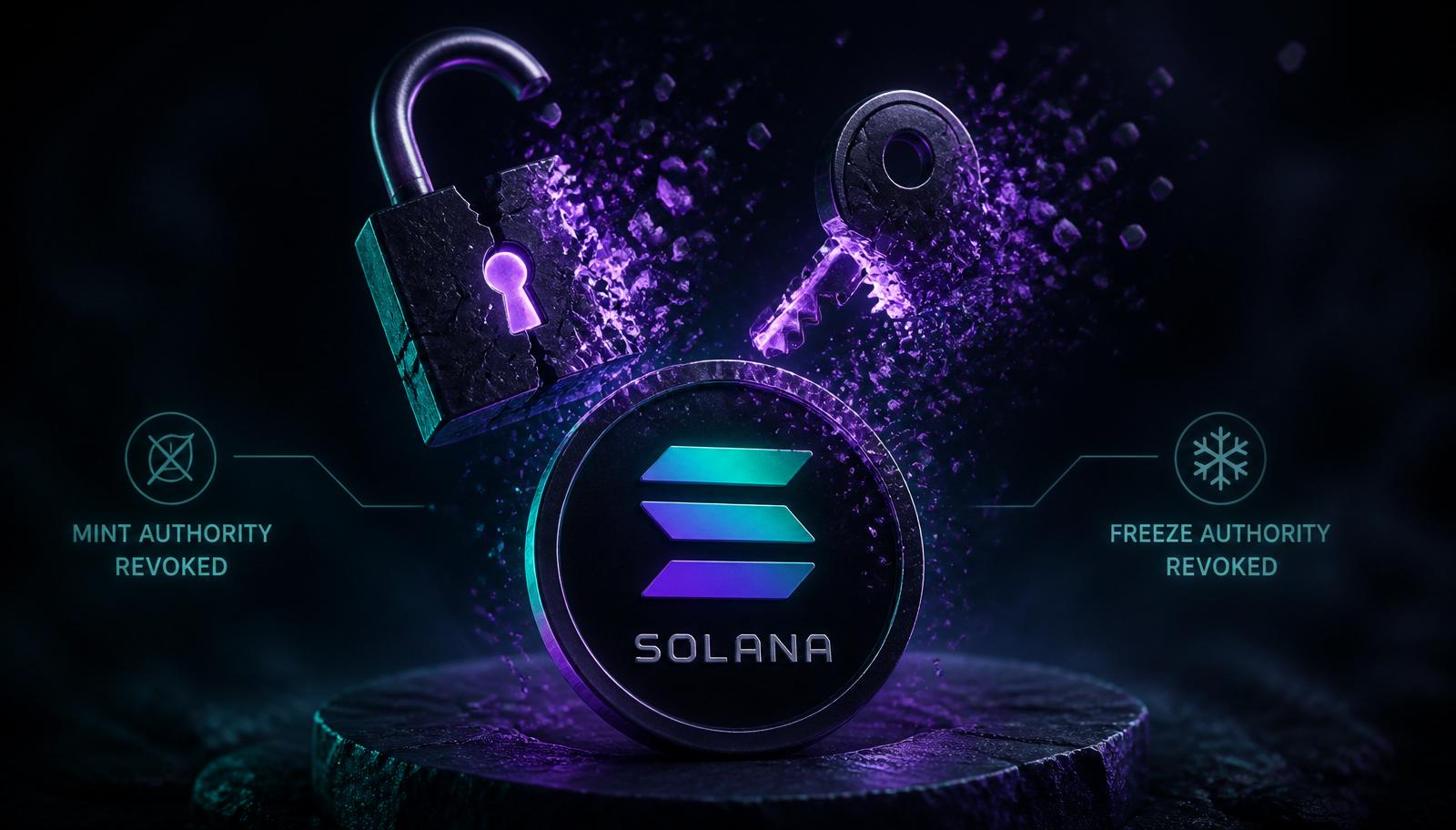
Every SPL token on Solana ships with two powerful superuser roles: mint authority and freeze authority. If you keep them, you can print unlimited new supply or freeze any wallet's balance forever. If you revoke them, you prove — cryptographically, on-chain, permanently — that you can't.
For any serious token launch, revoking both is table stakes. This guide explains what each authority does, why savvy buyers check them before they touch a chart, and how to revoke them safely in the same session you mint your token.
What is mint authority?
The mint authority is the wallet allowed to call mint_to on your token's mint account. Whoever holds it can create new tokens out of thin air and send them anywhere.
Concrete implications:
- If mint authority is live, total supply is not fixed — it can grow at any moment.
- Dilution risk is unbounded: 1B supply today, 100B tomorrow.
- Every professional buyer treats a token with live mint authority as infinite-supply until proven otherwise.
There are legitimate reasons to keep it (e.g. a rebasing stablecoin, a game economy where new tokens are minted as rewards). For a memecoin, utility token, or fixed-supply project — revoke it.
What is freeze authority?
The freeze authority is the wallet allowed to freeze any token account holding your token. A frozen account can't send, receive, or trade the token until the authority unfreezes it.
Legitimate use cases: regulated stablecoins that must comply with sanctions (USDC, USDT freeze wallets on court orders). For anything else it's a rug vector — the deployer can freeze anyone at any time.
Buyers check this in Phantom and Solscan. Live freeze authority on a memecoin or utility token = automatic pass.
What about update authority (metadata)?
The update authority on the Metaplex metadata account controls the token's name, symbol, logo, and description. Whoever holds it can rewrite your token into something else after launch — a classic bait-and-switch move where a token gets renamed mid-pump to piggyback on a trending narrative.
Marking metadata immutable (revoking update authority) is the third checkbox serious buyers look for. Together with mint and freeze, it forms the on-chain trust triangle.
Why buyers actively check this
The Solana ecosystem is fast, permissionless, and full of rugs. Buyers have adapted. Every mainstream tool now surfaces authority status:
- Solscan shows all three fields at the top of the token page.
- RugCheck.xyz grades tokens partly on authority revocation.
- DexScreener flags live authorities on the pair page.
- Birdeye shows a green checkmark only when all three are revoked.
- Phantom displays a warning banner when opening a token with live mint or freeze authority.
Skipping revocation means fighting an uphill battle against every trust signal in the ecosystem.
When to revoke
The safest pattern: revoke in the same session as launch, before you announce the token publicly. Ideally before you add liquidity, and definitely before your first launch tweet.
Order of operations on launch day:
- Mint the token
- Upload metadata
- Revoke mint authority
- Revoke freeze authority
- Mark metadata immutable
- Add liquidity on Raydium
- Burn LP tokens
- Announce the CA
By the time anyone looks at your token, every trust signal is already green.
How to revoke — the easy way
Any modern no-code Solana token creator exposes all three toggles in the launch flow. Enable them and the tool executes the revocations in the same wallet session — total added cost is fractions of a cent.
The transactions being signed:
SetAuthority { AuthorityType: MintTokens, new_authority: None }SetAuthority { AuthorityType: FreezeAccount, new_authority: None }- Metaplex
update_metadata_accounts_v2withis_mutable: false
All are irreversible. Once signed and confirmed, no one — not even you — can undo them.
How to revoke — the manual way
If you want to do it yourself with the Solana CLI:
# Revoke mint authority
spl-token authorize <MINT_ADDRESS> mint --disable

# Revoke freeze authority
spl-token authorize <MINT_ADDRESS> freeze --disable
For update authority (metadata immutability), use the Metaplex CLI or the Umi SDK to call updateV1 with isMutable: false.
Each transaction costs a few thousand lamports (fractions of a cent). Confirm on Solscan by refreshing the token page — the authority fields should read None.
Verifying the revocation
After revoking, verify from three independent angles:
- Solscan token page — Mint Authority:
null. Freeze Authority:null. Metadata: Immutable. - Phantom — no warning banner when the token is opened.
- RugCheck.xyz — score in the green, "Mint authority disabled" and "Freeze authority disabled" both checked.
Screenshot all three. Pin them in your launch tweet. This is free trust — use it.
When not to revoke
There are narrow cases where keeping authority makes sense:
- Stablecoins with compliance obligations — freeze authority needed for sanctions enforcement.
- Game / reward tokens with algorithmic issuance — mint authority is needed to distribute rewards (though many projects transfer it to a program instead of revoking).
- Governance tokens with on-chain mint schedules — again, transfer to a DAO-controlled program rather than keeping in a personal wallet.
For a memecoin, community token, or straightforward utility token: revoke all three. There is no legitimate reason to keep them.
Common mistakes
- Revoking after launching liquidity. Buyers who bought in the first minutes are exposed to a rug window. Revoke first.
- Only revoking mint, forgetting freeze. Freeze authority is arguably worse — you can lock any wallet's tokens forever.
- Leaving metadata mutable. Enables the rename-mid-pump rug pattern.
- Revoking from a hot wallet you no longer control. Not a mistake per se, but keeps you awake at night. Do it from a wallet you actively use.
- Announcing revocation without a Solscan link. Words are cheap. Link the on-chain proof.
FAQ
Is revoking mint authority reversible?
No. Once revoked, the mint account has no authority forever. No one can re-enable it.
Can I mint more tokens later if I revoke?
No. That's the entire point. If you might need to mint more, don't revoke — but expect buyers to price your token accordingly.
Does revoking cost gas?
Yes, but trivially — a few thousand lamports per transaction (fractions of a cent).
What does "immutable metadata" mean?
The Metaplex metadata account's update authority is set to None, so the token's name, symbol, description, and logo can never be changed.
Do I need to revoke to get listed on Jupiter?
Not required for the auto-list. Required for the "Strict" list checkmark and for CoinGecko/CMC listings later.
What's the fastest way to revoke everything?
Use a no-code Solana token creator that includes revocation as a checkbox in the launch flow — one wallet session, all three authorities handled.
Bottom line
Revoking mint and freeze authority (and marking metadata immutable) is the cheapest, fastest trust signal you can send on Solana. It costs cents. It takes seconds. And it turns your token from "trust the deployer" into "trust the math" — which is the only kind of trust that scales in crypto.
<!-- related-guides-solana-v1 -->
Related guides on SparkIQ
- Solana Token Creator: Launch Your Own SPL Token in Minutes (No Code) — the full walkthrough.
- How to Launch a Solana Memecoin in 2026: The No-Code Playbook — from idea to trading in one afternoon.
- How to Add Liquidity on Raydium: A Step-by-Step Solana Token Guide — make your token tradeable.
- Revoke Mint & Freeze Authority on a Solana Token (Why It Matters) — earn trust signals on RugCheck and DexScreener.
- How to Create a Solana Token in 2026: Complete Beginner Guide — the beginner primer.
Ready to launch? Use SolanaForge's Solana token creator — no code, no wallet exports, on-chain in under a minute.